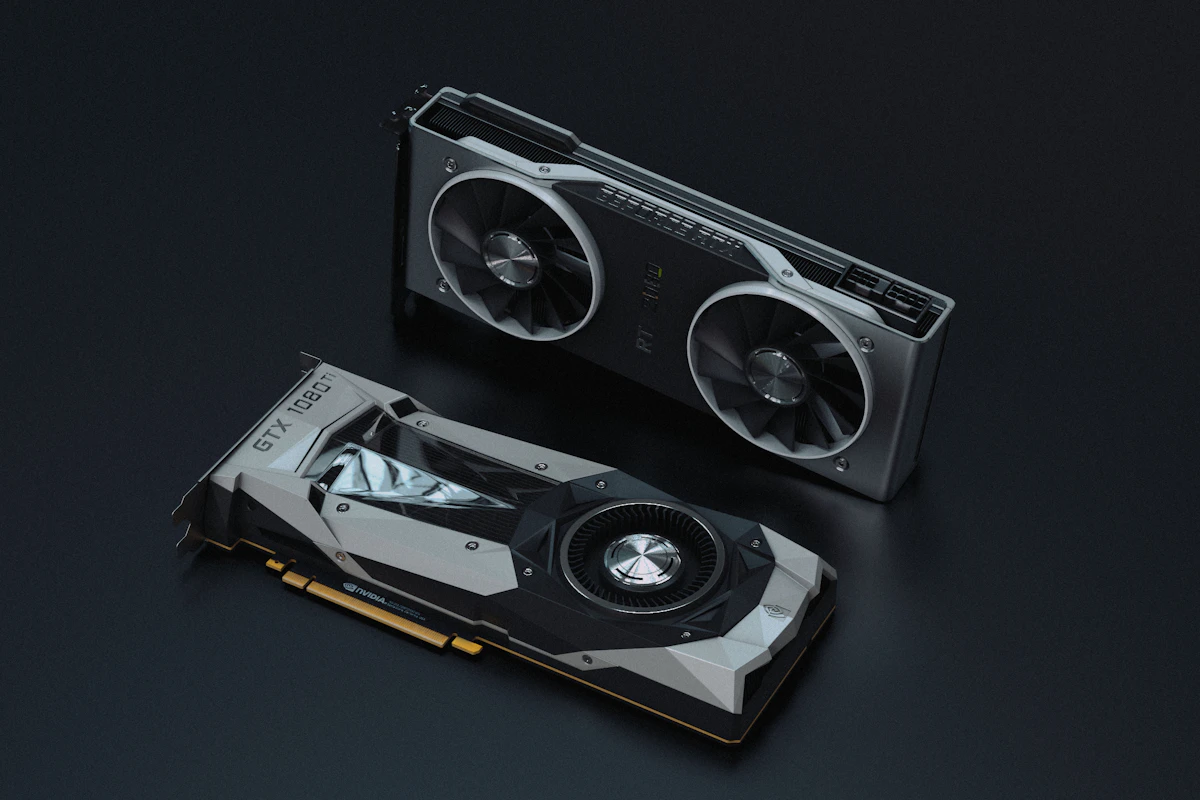
RTX 5060 Ti vs RX 9060 XT: The Mainstream GPU Battle of 2026
By WhatToUpgrade editorial team · Updated
As an Amazon Associate we earn from qualifying purchases. Links open Amazon.com (US); check the exact variant, seller, current price and compatibility before buying.
How we make recommendations and check specificationsThe RTX 5060 Ti and RX 9060 XT are the two cards most upgraders actually end up choosing between in 2026. Both target the mainstream sweet spot: smooth high-refresh 1080p, a credible shot at 1440p, and a price that doesn't demand flagship money.
But they're not priced the same, they don't handle VRAM the same way, and their upscaling ecosystems have real differences. With no new Nvidia gaming GPUs launching in 2026 and prices rising rather than falling, whichever card you pick is one you'll likely keep for years — so it's worth getting right.
This comparison covers the price gap, cost per frame, the ray tracing reality at this tier, DLSS 4 versus FSR 4, and which memory configuration to buy.
Price and Cost per Frame: AMD Draws First Blood
As of mid-2026, the RX 9060 XT 8GB starts around $350, while the 16GB version has peaked around $460 — its highest price ever, a symptom of the memory-driven cost inflation hitting the whole market. The RTX 5060 Ti sits around $430. Check current pricing before you buy, because this market has been moving upward, not downward.
On raw cost per frame, the RX 9060 XT typically wins. It's the strongest value at 1080p, pushing 120-160 FPS in most titles, and it can stretch to 1440p with FSR upscaling helping in heavier games. The RTX 5060 Ti is a competent card, but you're paying a premium for the Nvidia feature set rather than for more frames.
If your decision is purely frames per dollar, the RX 9060 XT is the answer. The rest of this guide is about whether Nvidia's advantages are worth the difference to you.
Ray Tracing: A Reality Check at This Tier
On paper, the RTX 5060 Ti is technically the better ray tracing card. In practice, this GPU class is too weak for heavy ray tracing to matter much either way — crank the RT settings in a demanding title and both cards fall to frame rates most people won't accept.
At the RT settings you'd actually use at this tier — moderate presets with upscaling enabled — the difference between the two cards is small. Buying a 5060 Ti specifically for ray tracing is paying for a capability the card can only partially deliver.
Choosing a mainstream GPU based on ray tracing benchmarks run at settings you'll never use. At playable RT settings, these two cards are much closer than the marketing suggests.
DLSS 4 vs FSR 4: The Real Nvidia Advantage
Upscaling genuinely matters at this tier — it's how both cards stretch to 1440p and how they hold high frame rates in demanding titles. This is where Nvidia's case is strongest: DLSS 4 has broader game support than AMD's equivalent, so you're more likely to find it in whatever you happen to be playing.
AMD's FSR 4 is a big step up in quality, but it requires an RX 9000 series card — which the 9060 XT is, so you're covered on hardware. The catch is game support: the list of FSR 4 titles is growing but smaller than DLSS 4's. If your library leans toward big recent releases, both ecosystems will serve you; if you play a wide variety of games, Nvidia's breadth is a real advantage.
- DLSS 4: broader game support, the safer bet across a varied library
- FSR 4: strong quality, requires RX 9000 series, narrower title list
- Both cards rely on upscaling to make 1440p comfortable in heavy games
- Check that your most-played games support your chosen card's upscaler before deciding
VRAM: Buy 16GB If You're Keeping the Card
Both GPUs come in configurations with different memory amounts, and this decision matters more than most buyers think. 8GB cards are increasingly limiting at 1440p and above in new AAA titles — textures get dropped, stutters appear, and the problem only grows as games get heavier.
If you plan to keep this card three years or more — and in a market with no new launches until 2027, you probably will — 12-16GB is the safe recommendation. The RX 9060 XT 16GB and the 16GB version of the RTX 5060 Ti are the configurations to target, even though memory-driven price inflation has made them pricier than they should be.
Never buy an 8GB card for 1440p in 2026. The 8GB RX 9060 XT is a fine pure-1080p card at around $350, but if 1440p is anywhere in your plans, pay for 16GB.
Which Resolutions and Games Favor Which Card
At 1080p, the RX 9060 XT is the strongest value in the segment, hitting 120-160 FPS in most titles — ideal for high-refresh esports and mainstream AAA alike. The RTX 5060 Ti performs well too, but you can get similar 1080p experiences for less money on the AMD side.
At 1440p, both cards need upscaling help in demanding games, and the calculus shifts slightly toward whichever upscaler your library supports best. RT-heavy showcase titles lean Nvidia; pure rasterization favors the 9060 XT's cost per frame. Neither card is a 4K option, and you shouldn't buy either with that in mind.
- High-refresh 1080p esports: RX 9060 XT, easily — best frames per dollar
- 1440p with a varied game library: RTX 5060 Ti 16GB benefits from DLSS 4's broader support
- 1440p mostly rasterized AAA: RX 9060 XT 16GB with FSR 4
- Heavy ray tracing ambitions: honestly, neither — save for the tier above
Upgrading From an Older Card: What You'll Actually Feel
If you're coming from a GTX 1660, GTX 1070, or RTX 2060-class card, either of these GPUs is a transformative upgrade — meaningfully faster in every game, with modern upscaling support your old card either lacks or only partially supports. You'll typically go from managing settings carefully to simply playing.
From an RTX 3060 Ti or RX 6700 XT, the jump is smaller and harder to justify at current prices — the improvement is real but not night-and-day, and you may be better served saving for the RTX 5070 / RX 9070 tier or waiting out the market. From anything older than a 20-series, stop deliberating; any modern card in this class will feel like a new PC.
One caution: pairing either card with a much older CPU can leave performance on the table at 1080p. If your processor predates your monitor, check for a CPU bottleneck before spending.
The 2026 Market Backdrop: Why Waiting Is Risky
Normally you could defer this decision and expect prices to drift down. Not this year. Nvidia is launching no new gaming GPUs in 2026 — the planned Super refreshes were shelved over GDDR7 memory costs — and prices have been rising, with the RTX 5060 Ti among the cards that saw significant mid-2026 increases.
That means the card you're comparing today may cost more next quarter. If your current GPU is struggling, buying now at a fair price beats waiting for a discount that the memory market shows no sign of delivering.
Verdict
For most buyers, the RX 9060 XT is the better purchase: it typically wins cost per frame, it's the strongest value at 1080p with 120-160 FPS in most titles, and the 16GB version has the VRAM to stay comfortable for years. Choose the RTX 5060 Ti 16GB instead if your game library leans on DLSS 4's broader support or you're invested in Nvidia's ecosystem — just go in knowing you're paying for features, not frames. Whichever way you lean, buy the 16GB configuration if 1440p is in your future, and skip 8GB unless you're strictly a 1080p player on a tight budget. Before you order, run your system through our free Analyzer at /analyze to confirm your CPU won't hold your new card back.
Frequently Asked Questions
Which is better, the RTX 5060 Ti or RX 9060 XT?▸
The RX 9060 XT typically wins on cost per frame and is the strongest value at 1080p, where it delivers 120-160 FPS in most titles. The RTX 5060 Ti counters with DLSS 4's broader game support and a technical edge in heavy ray tracing that rarely matters in practice at this tier.
How much do the RTX 5060 Ti and RX 9060 XT cost?▸
As of mid-2026, the RX 9060 XT 8GB starts around $350, the 16GB version has peaked around $460, and the RTX 5060 Ti sits around $430. Prices have been rising due to memory cost inflation, so check current listings.
Should I buy the 8GB or 16GB version?▸
Buy 16GB if you plan to play at 1440p or keep the card three years or more — 8GB is increasingly limiting in new AAA titles at higher resolutions. The 8GB RX 9060 XT only makes sense as a budget-focused pure 1080p card.
Is the RTX 5060 Ti good for ray tracing?▸
It's technically better at ray tracing than the RX 9060 XT, but this GPU class is too weak for heavy RT to be practical either way. At the moderate RT settings you'd actually use, the difference between the two cards is small.
Does the RX 9060 XT support FSR 4?▸
Yes — FSR 4 requires an RX 9000 series card, and the 9060 XT qualifies. Its main limitation is game support, which is growing but still narrower than DLSS 4's.
Can the RX 9060 XT handle 1440p?▸
The 16GB version can stretch to 1440p, especially with FSR helping in demanding titles. Expect to tune settings in the heaviest games; for consistently comfortable 1440p, the RTX 5070 / RX 9070 tier is the stronger fit.
Is it worth upgrading from a GTX 1660 or RTX 2060 to one of these?▸
Yes — either card is a transformative jump from that hardware, meaningfully faster everywhere with modern upscaling support. Just verify your CPU and power supply are up to the task before ordering.
Should I wait for prices to drop instead?▸
Probably not. Nvidia is launching no new gaming GPUs in 2026, and prices in this class have been rising due to memory cost inflation — the RTX 5060 Ti saw significant increases in mid-2026. If you need the upgrade, waiting is more likely to cost you than save you.
The 16GB configuration worth buying if you want DLSS 4's broad game support with enough VRAM to last.
Nvidia 16GB pick
The cost-per-frame winner in its 16GB form — the configuration we'd choose for 1080p and 1440p longevity.
Best value pick
A quiet, efficient 750W unit that comfortably powers either card with headroom for a future upgrade.
Reliable power
Related guides
Check whether your CPU will bottleneck either of these cards before you buy.
If you can stretch the budget, the tier above is built for 1440p.
Understand how CPU and GPU limits interact before choosing your card.
Make sure your power supply can feed a new GPU safely.